Features
What you can do with the Amua app
Create and maintain persistent structure for your Telegram operations#
Amua workspaces bring organizational structure to Telegram by allowing you to specify which users and chats are relevant to your operation, with additional customization possible using roles/permissions, contact metadata, and subgroups.
The various tabs in the workspace section of the app offer comprehensive views into all of the people and conversations that make up your company, project, or team.
Bulk onboard and offboard users from multiple chats simultaneously#
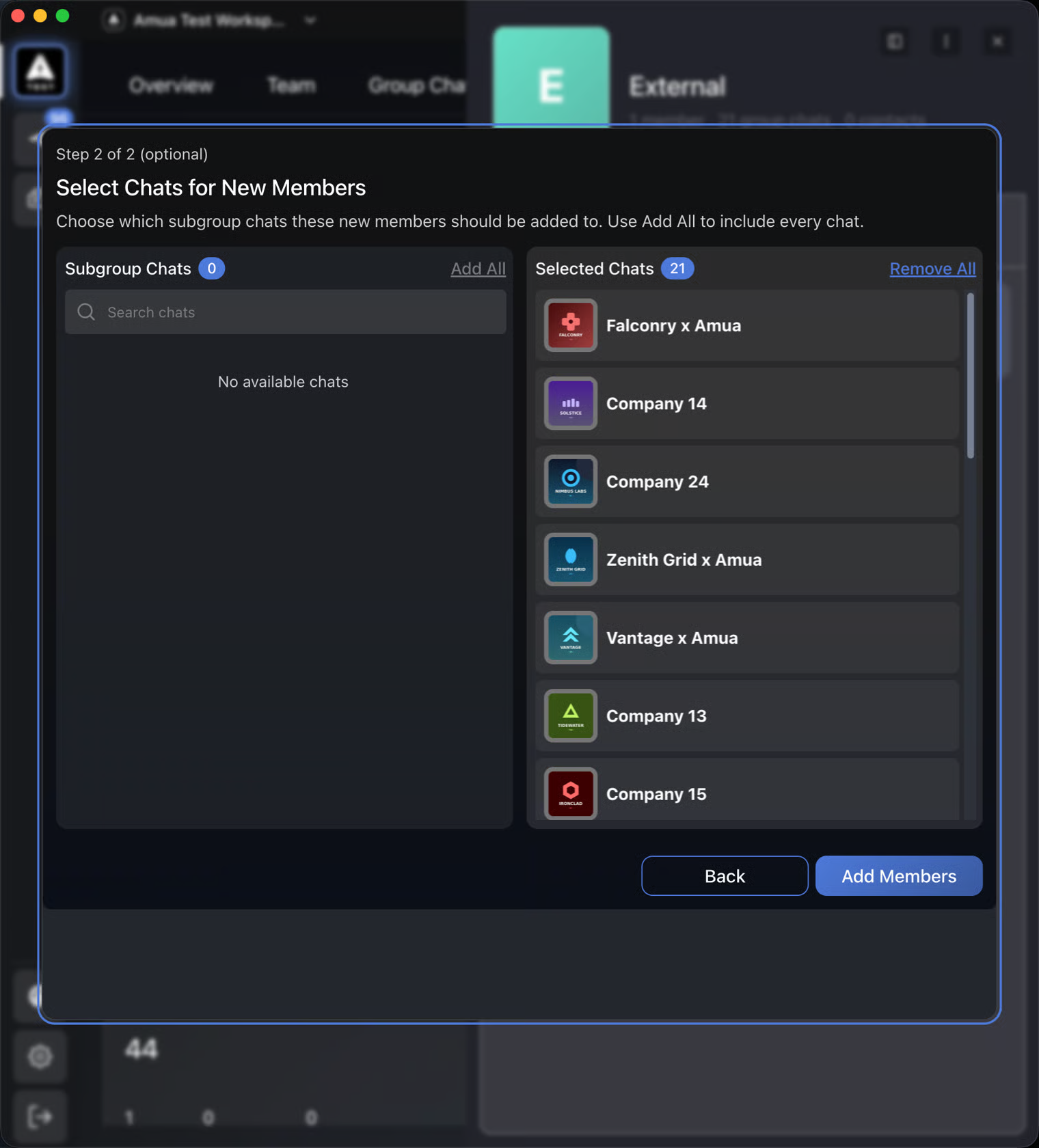
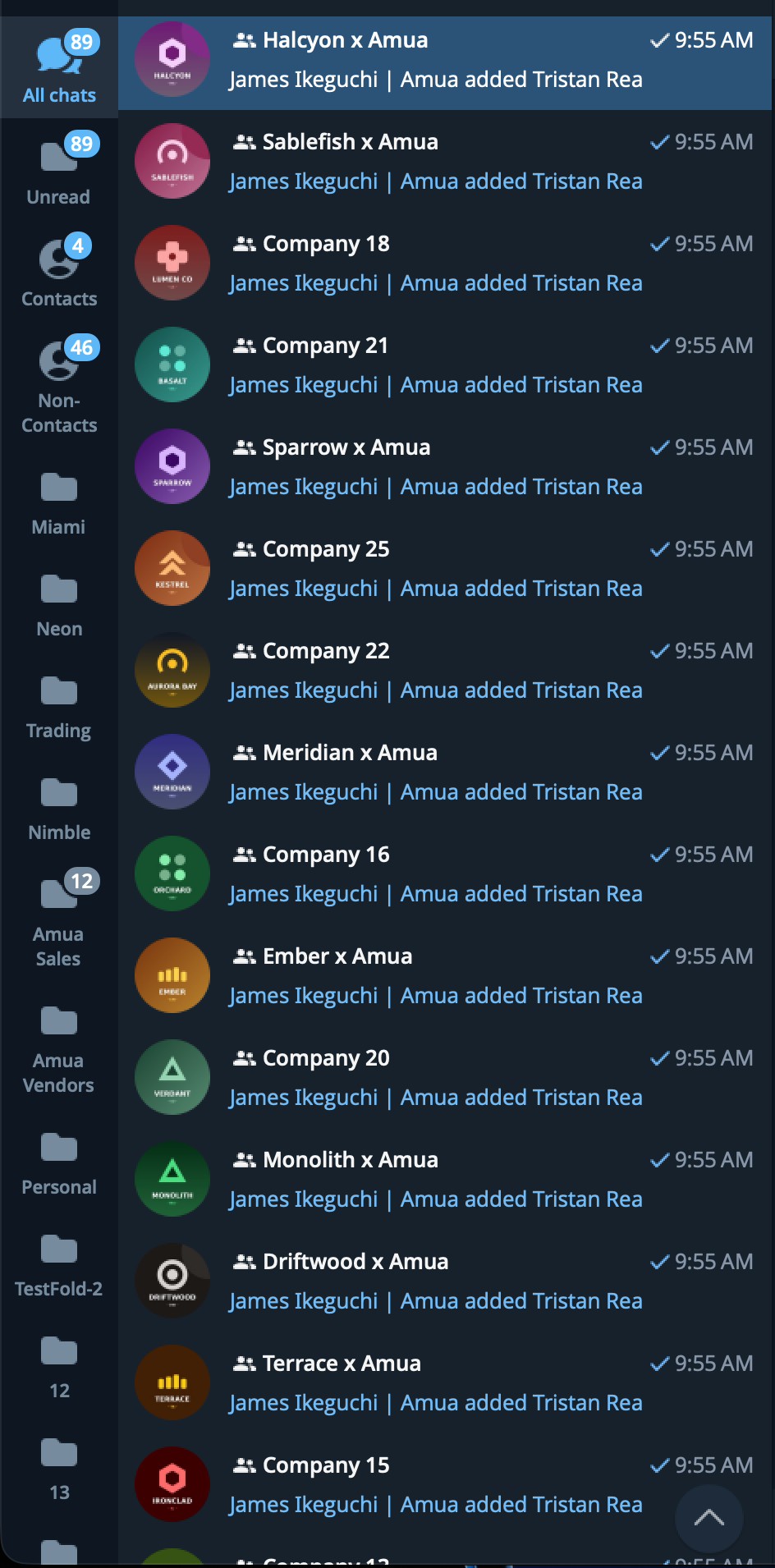
Subgroups allow you to instantly add new hires to hundreds of Telegram chats without manual effort. Hiring a new sales rep and delegating 300 relationships? Simply add him/her to the subgroup containing those chats.
Similarly, if someone is leaving the team, you can instantly offboard from every chat in a workspace or subgroup.
Note that in the case of group additions/removals, Amua is simply orchestrating bulk Telegram actions for you. Therefore, some actions may fail if you do not have administrative access in those chats. Amua offers many tools for seeing which ones you have administrative control over, as well as reports on which chats failed to execute, if any.
Comprehensive view and centralized management of all chats relevant to the workspace#
The Group Chats tab and Contacts tab give everyone in the workspace a bird's eye view of the conversations important to their work, while preserving privacy and confidentiality with respect to the chats they are not a part of.
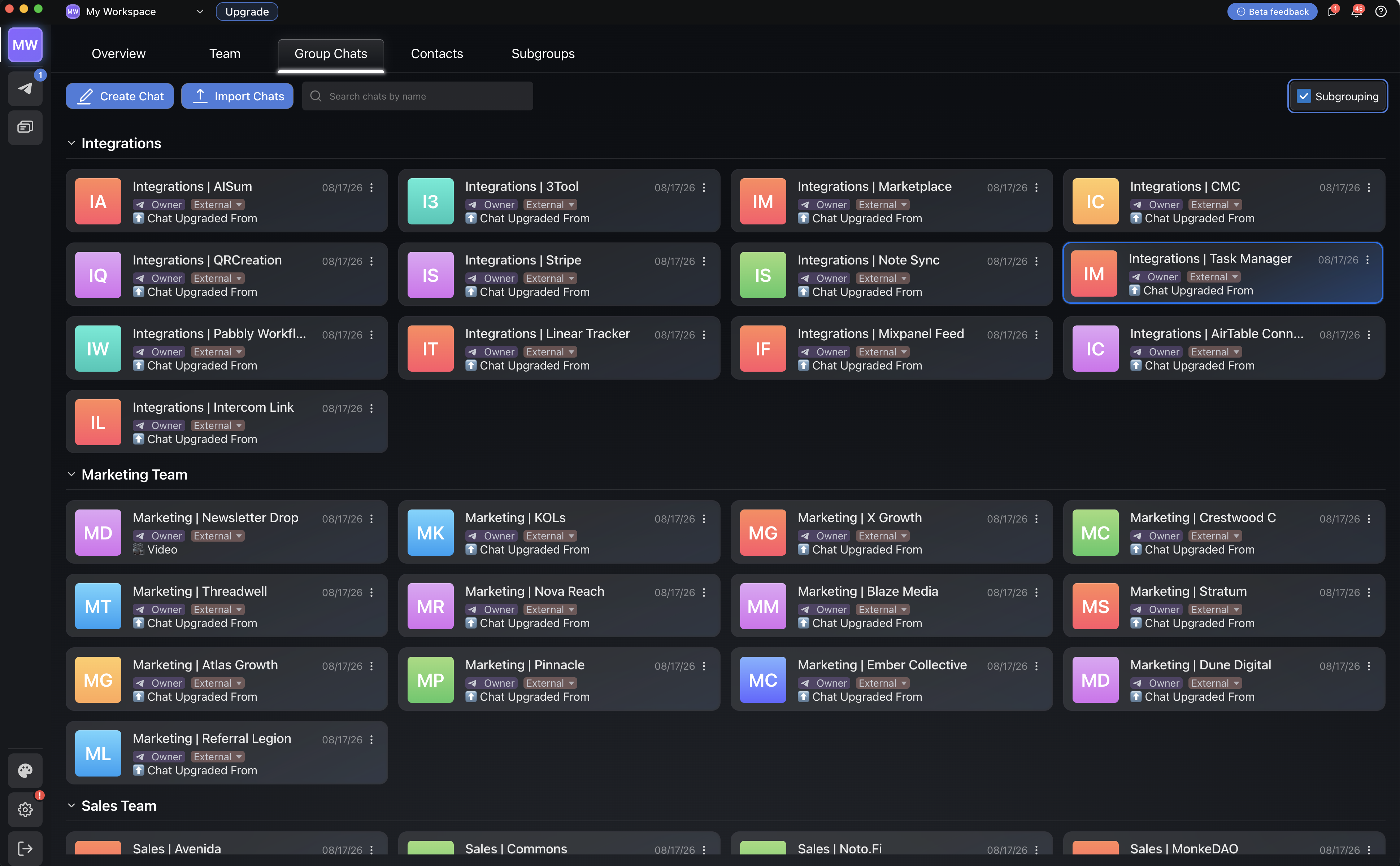
Each card in the Group Chats tab displays your role in the Telegram group (Owner/Admin/Member) in order to track which chats you have administrative control in, as that is needed for bulk additions and removals.
CRM-lite features built in to contact/DM management#
Imported workspace contacts (DMs) can be attached to subgroups and managed just like group chats, but you can also add metadata to these contacts that enriches your team's understanding of the relationships driving your business. This metadata includes fields for Company, Position, Notes, and other data fields will be added over time.
Fine-grained control over team structure#
Subgroups enable full flexibility in precisely detailing how your team should operate, while roles/permissions allow you to delegate workspace-level responsibilities.
The workspace Owner doesn't have to do it all. Promote an Admin or Team Lead to run a subgroup, delegating the power to add teammates and manage chats specifically within that subgroup.
Real-time updates on changes occurring to your workspace#
Stay on top of notable changes to your Telegram operations without checking users and chats one-by-one. Notifications received through the Activity Hub update you of any major changes in real-time.
Message groups of users in bulk through Campaigns#
Campaigns allow you to send multiple messages in bulk from a single draft without sacrificing the ability to tailor each message to the recipients. You should never have to copy/paste in Telegram again (unless you're feeling nostalgic).
Filtered chat views to focus on what matters#
The All Chats section allows you to apply detailed filters to your chat feed so you can hide all distractions while never missing what you need to see. Isolate your work chats to focus, group them by subgroup/task, or expand your view to include all your "for fun" chats too.